If you rely on Google Maps to get around Paris or New York, it is your best friend. In Chongqing, it is your worst enemy.
In the “8D” Mountain City, you might enter a building on the 1st floor and walk out of the “roof” only to find yourself on another busy street at what is technically the 22nd floor. This vertical chaos causes Google Maps—and most Western GPS services—to fail spectacularly.
Here is why you need to switch to Amap (known locally as Gaode Maps) and how to master it even if you don’t speak a word of Chinese.
The Google Maps Problem: “GPS Offset” and Vertical Blindness
There are two main reasons Google Maps won’t work for you here:
- The Great Firewall: Without a high-quality VPN, Google services are blocked in China. Even with a VPN, the map data is often years out of date.
- GPS Inaccuracy: China uses a specific coordinate system (GCJ-02). Western apps often suffer from a “shift” or “offset,” showing you standing in the middle of the Yangtze River when you’re actually on a bridge.
- The Z-Axis: Standard maps are 2D. Chongqing is 3D. Google Maps cannot tell you that your destination is 50 meters directly above your head.


Why Amap (Gaode) is the Savior of Chongqing
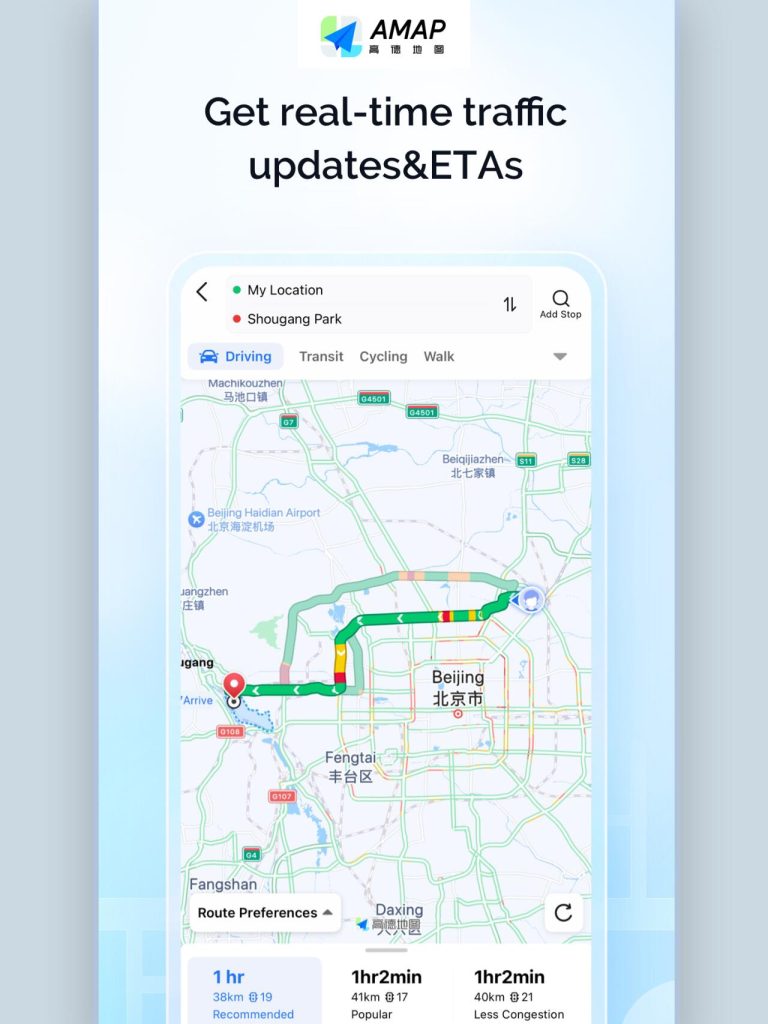
Amap is one of the only apps with a National Class-A Navigation License in China. In a city where “ground level” is a matter of opinion, Amap offers:
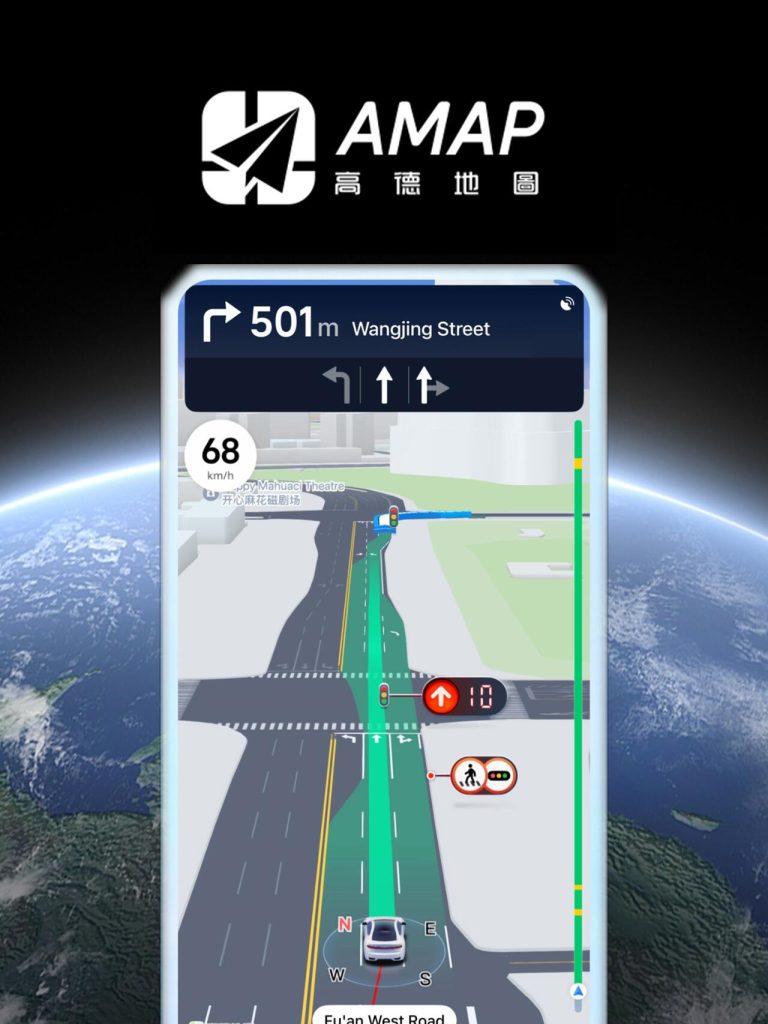
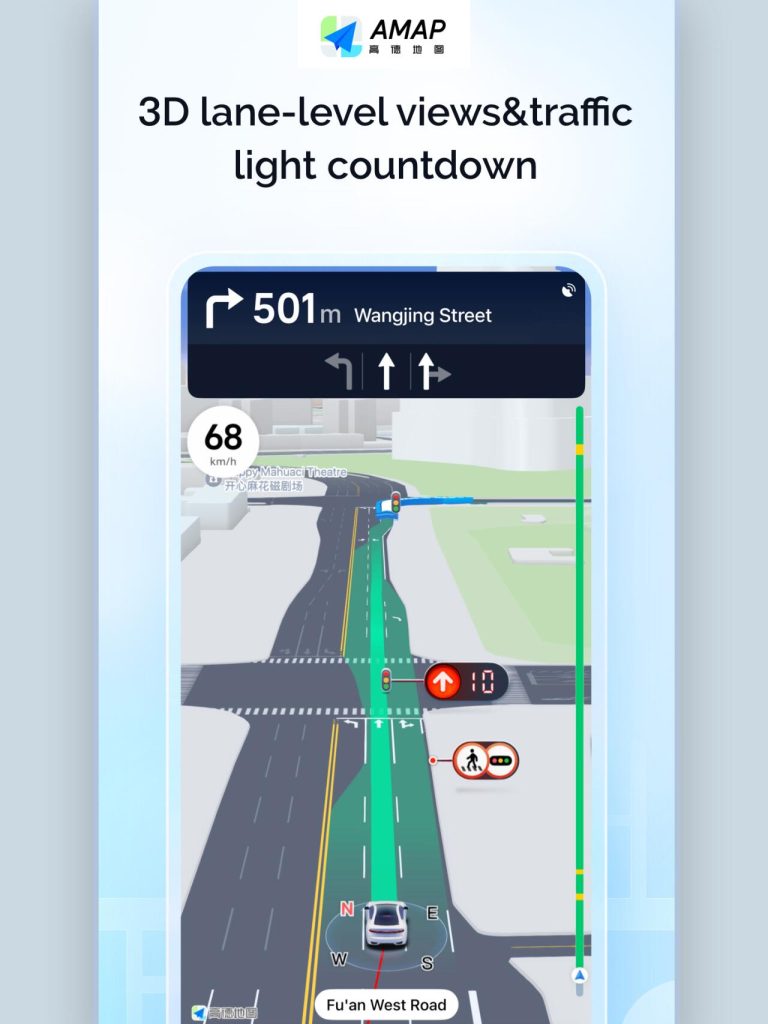
- Precise 3D Modeling: You can toggle a 3D view to see exactly which layer of the city you are on.
- Indoor & Floor Navigation: It maps out the inside of massive malls and transit hubs like the Raffles City complex or the Chongqing North Railway Station.
- Real-Time Vertical Routing: It understands that to get to the “street” behind you, you might need to take a specific elevator or a hidden public staircase.
How to Set Amap to English (Step-by-Step)
Until recently, Amap was Chinese-only. Now, there is a “game-changer” English interface.
For iPhone Users:
- Open your iPhone Settings.
- Scroll down to the list of apps and find Amap.
- Tap Language and select English.
- Restart the app, and the core interface will now be in English.
For Android Users (In-App Setting):
- Open the Amap app.
- Tap the “Me” (Person icon) at the bottom right.
- Tap the Settings (Gear/Bolt icon) at the top right.
- Select the 6th option: General (通用).
- Select the 3rd option from the bottom: Language Settings (语言设置).
- Choose English and confirm.
Pro Tips for Navigating the 8D City
1. Search Using Pinyin
While the interface is English, many small “hidden gems” like local noodle shops might not have an English name in the database yet. You can type the Pinyin (e.g., “Hongyadong” instead of “Hongya Cave”) to get the most accurate results.
2. The “Star” Strategy
Before you leave your hotel, find your must-visit spots (like the Liziba Monorail or the Yangtze Cableway) on the map and tap the Star (Favorites) icon. This saves them to a quick-access list so you don’t have to re-type names while standing in a crowded street.
3. Use the 3D Toggle
When you are in a confusing area like Jiefangbei or the Kuixing Building, use two fingers to swipe up on the screen. This tilts the map into a 3D view, showing the actual height of buildings and overpasses, which is essential for finding the correct “layer” of the city.
4. Trust the Walking Routes
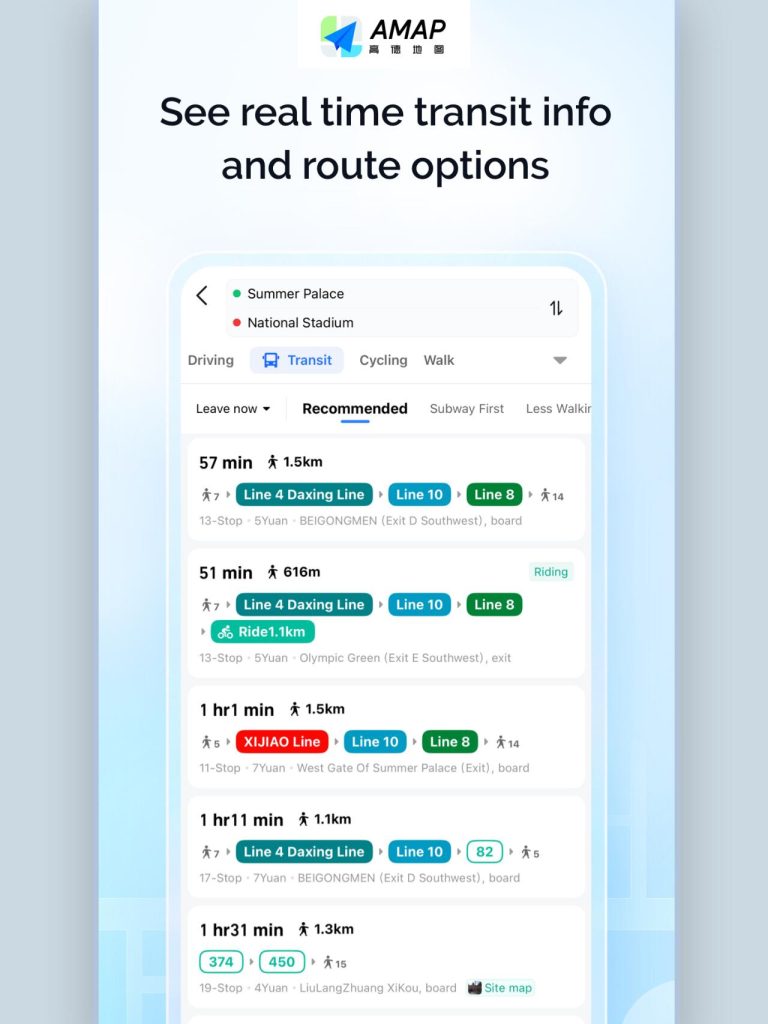
In most cities, “walking” is just a straight line. In Chongqing, Amap’s walking routes will guide you through public elevators and mountain trails (like the Shancheng Trail) that aren’t visible on 2D maps.
Traveler’s Note: Navigation in Chongqing is part of the adventure. If you truly get stuck, show the Chinese address or a picture of the landmark to a local. Chongqing people are famously friendly and will often walk you part of the way to ensure you aren’t lost between the floors.
If you want a deeper look at what Chongqing offers culturally and historically, our 2026 Chongqing Travel Guide provides a complete overview of the city’s main sights and experiences.